UPS Warehouse Scan: It’s Not Lost (Here’s Why)
Few experiences frustrate you more than watching a critical tracking status stall indefinitely on your logistics dashboard. You anticipate a seamless transition from an arrival scan to a departure scan, only to face an unexpected pause. If you are staring at a UPS warehouse scan, rest assured your package remains secure. The carrier safely holds it in a distribution center, temporarily pausing for necessary procedures like customs clearance or routine inventory auditing. While this shipment exception represents a delivery delay, you must recognize it as a standard part of global freight management. Understanding exactly what triggers this hold empowers you to navigate the logistical bottleneck. You will learn to proactively resolve underlying issues and accurately forecast your scheduled delivery.
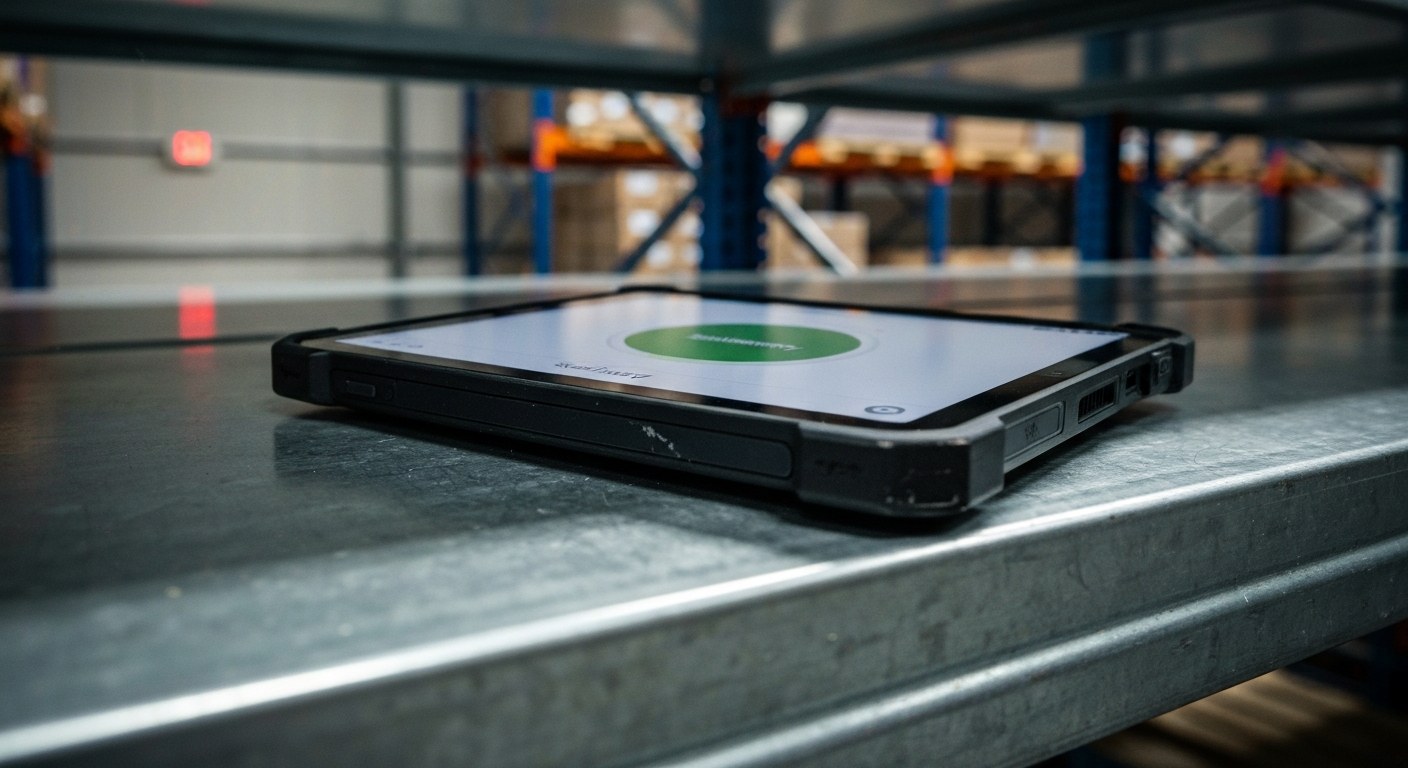
What Does a UPS Warehouse Scan Mean on Your Tracking Update?
Tracking an important package and noticing repeated scan updates stamped at the same time each evening? Seeing a warehouse scan ups notification confirms your parcel is physically present and accounted for inside an automated UPS hub facility.
Daily Inventory Scans, Customs Bonded Holding & Sort Facility Staging
Operational explanations for daily UPS warehouse scan updates:
- Physical Facility Reconciliation: Hub package handlers conduct automated inventory scans at the end of sorting cycles to verify that staged freight matches digital trailer manifests.
- Customs & Brokerage Storage: For cross-border shipments, daily scans indicate the package is safely stored in a bonded cage while awaiting clearance or tariff payment.
- Weekend or Delivery Date Holds: If delivery is scheduled for a future business day, the package receives routine resting scans until loaded onto a morning delivery car.
What Is a UPS Warehouse Scan?
When you monitor your package’s journey, seeing this specific alert might cause confusion. You must dispel the outdated misconception that shipments only receive updates while physically moving. In reality, this status indicates a stationary inventory or compliance hold rather than active movement through the logistics network. Facilities stage the cargo within a controlled zone until these administrative protocols conclude.
Understanding the difference between manual and automated updates is key to interpreting your tracking status and What Is Contract Warehousing? (The Real Costs). Traditional barcode scanning involves an employee physically handling the box. Conversely, this notification often represents an automated, logical 24-hour inventory update generated by the system. These daily stationary updates do more than serve internal inventory needs; they fulfill strict legal regulations. To meet customs compliance requirements, these logical checks populate your tracking history. They verify the freight remains securely in bond. This process ensures complete transparency until officials clear the package to resume transit.
Top Reasons Your Package Shows a Warehouse Scan
Understanding why your package faces delays helps you take the right corrective actions. A UPS warehouse scan typically indicates an administrative or logistical hold. Several distinct bottlenecks frequently trigger this specific tracking status.
Customs and Documentation Errors
- Administrative Holds: Your package may pause due to a missing commercial invoice or incomplete export documents.
- Bonded Storage: In international shipping, parcels often wait in a bonded warehouse status pending mandatory customs clearance. Verify entry regulations with national trade authorities to prevent further delays.
Hazardous Materials and Prohibited Items
- Safety Restrictions: Prohibited items or undeclared dangerous goods, such as lithium batteries, trigger these holds. Managing compliance is critical, as outlined in our How big is a shipping warehouse guide.
Peak Season Volume Loops
- Capacity Backlogs: You might experience frustrating tracking loops during peak holiday shopping seasons. This occurs when volume backlogs force facilities to repeatedly scan packages awaiting outbound transportation.
UPS Warehouse Scan vs. Arrival Scan and Other Statuses
While capacity backlogs and administrative holds trigger these delays, you must distinguish a warehouse scan from other tracking updates to effectively manage logistics. An arrival scan confirms your shipment has physically entered a sorting facility. In contrast, a UPS warehouse scan indicates a stationary hold, often pending regulatory clearance. Review the comparison of these standard statuses below:

| Status | Logistical Meaning |
|---|---|
| Arrival Scan | Entry into a facility during standard domestic routing. |
| Warehouse Scan | A stationary international transit pause requiring intervention. |
| Import Scan | The package has successfully cleared customs. |
| Destination Scan | Arrival at the local delivery center before final dispatch. |
Standard domestic flows transition seamlessly, optimizing your overall transit time. Conversely, cross-border shipments frequently face pauses. Recognizing these exact nuances helps you mitigate logistical delays before they disrupt your OSHA Warehousing Safety 2026 [Fast 5-Min Guide] operations. For precise definitions across borders, always consult official tracking statuses.
How Long Does a UPS Warehouse Scan Take?
When monitoring a package, you must understand timeframe estimates for routine customs checks. Typically spanning one to three days, these clearances naturally take longer than simple domestic inventory updates. Those domestic scans often resolve within a few hours.
You must factor in the distinction between standard business days and weekends, as non-operational hours significantly impact stationary warehouse holds. A package sitting idle over a weekend rarely signals trouble. Instead, it represents a normal operational pause. You can explore interpreting transit pauses for more context regarding these temporary holds.
Identifying “red flag” delay periods remains crucial for your logistics management. When an update stops being routine—stretching beyond seven consecutive days—it often escalates into a shipment exception requiring manual intervention. Anticipating these hurdles and actively monitoring for an unexpected delivery delay helps you maintain better control over your supply chain.
Actionable Steps: How to Resolve Delay Exceptions
When a package stalls indefinitely, passive waiting fails as a viable strategy. Review the exact procedure below to expedite the resolution of a UPS warehouse scan delay.
- Review your tracking history: Log into your UPS My Choice dashboard to monitor your shipment’s detailed progression. Look specifically for any alerts tagged as action required. These warnings typically signal missing commercial invoices or critical customs declarations.
- Troubleshoot documentation gaps: Rather than waiting passively for automated systems to notify you, supply the missing paperwork digitally through the portal. This proactive approach quickly bypasses internal bottlenecks and helps clear your UPS Package Held in Warehouse? Do This Next [Quick Fix] immediately.
- Apply the 7-Day Rule: You must escalate the issue if your package remains stuck without movement for seven consecutive days. Contact the original shipper so they can initiate a formal investigation with UPS support. The shipper holds the contract and the necessary leverage to trigger an internal trace.
Navigating these interfaces correctly is critical for swift resolution. You can see this process illustrated below:
The Logistics Flow: From Warehouse to Out for Delivery
Successfully resolving documentation holds prepares you for the next logistical phase. Understanding the subsequent path from the stationary warehouse to the final delivery truck helps you accurately anticipate your shipment. After officials clear the item for release, the package moves from temporary storage into active hub processing. Your regional distribution center then plays a pivotal role by sorting freight onto outbound vehicles.
During this phase, the tracking system automatically updates. It transitions your shipment from an exception status back into active package movement. You will immediately see a revised timeline reflecting your scheduled delivery. Consulting official tracking resources provides clarity on OSHA Warehousing Safety 2026 [Fast 5-Min Guide]. The automated transition ensures your supply chain operations resume without further disruption.
The Future of UPS Warehousing and Scanning
You currently rely on active tracking updates for visibility. However, transitioning to a smarter, predictive logistics network will completely transform future package handling. Advanced RFID scanning contributes to environmental sustainability by drastically reducing “dead miles” and lost packages.
These predictive systems actively prevent warehouse bottlenecks before they occur, rather than relying on manual shipping label checks. Furthermore, you will soon see the anticipated integration of drones and autonomous vehicles. These technologies will facilitate seamless “last-yard” logistics.
As the United Parcel Service pioneers these advancements, your next UPS warehouse scan will become virtually instantaneous. To prepare, review our Third Party Warehousing Explained (5 Mins) guide. It outlines these innovations in global shipping.
FAQ
Why do I get a UPS warehouse scan update every day?
You receive daily updates because the system generates automated, logical 24-hour inventory pings. These pings verify the freight remains securely in bond. If your shipment awaits customs clearance or missing documentation, these daily scans assure you that your item is safely held, not lost. Once the bottleneck resolves, tracking updates to the next transit stage.
Does a warehouse scan mean my package was seized by customs?
No, a warehouse scan simply means your package waits in a secure UPS facility. It usually pends routine customs clearance or duty payment. If authorities seized your package, you would receive a specific notice from border agencies indicating confiscation rather than a standard warehouse hold. Ensure your sender provided all necessary commercial invoices to avoid prolonged customs delays.
What is the difference between a UPS warehouse scan and an import scan?
A warehouse scan indicates that your package remains temporarily stored in a facility. It waits for paperwork, payment, or clearance processing. In contrast, an import scan means your shipment successfully cleared customs and officially entered the destination country’s network. The warehouse scan acts as a holding pattern, whereas the import scan signals forward movement toward your final delivery.
What should I do if my package has a warehouse scan for 2 weeks?
When your package sits in a warehouse for over two weeks, you need to proactively contact UPS customer service or the original sender. Such extended delays almost always point to missing commercial invoices, unpaid import duties, or restricted items requiring your immediate intervention. You can usually resolve these documentation issues through the UPS portal to get the shipment moving again.
Why does my tracking show a warehouse scan after the package already cleared customs?
This situation typically occurs if a different regulatory agency, such as the FDA, pulls your package for secondary inspection after standard customs clearance. Alternatively, your package might simply wait for space on a specific outbound truck at the central hub. While frustrating, this status merely means your package safely queues for the next physical leg of its journey.
Can I pick up my package if it’s currently on a warehouse scan?
You generally cannot pick up a package directly from a customs-controlled warehouse facility. These locations operate as restricted, high-security zones completely closed to the public. You must wait until the package clears customs and transfers to a local UPS customer center. Once it reaches a standard distribution facility, you can use your tracking dashboard to request a secure hold for pickup.
Key Takeaways
Seeing a UPS warehouse scan on your tracking timeline simply means your shipment undergoes standard regulatory compliance, customs clearance, or a routine facility hold. Instead of signaling a lost package, this status confirms facilities securely store your goods while awaiting further processing. It remains a temporary operational step rather than a permanent roadblock.
Keep control of the situation by monitoring your UPS My Choice portal for missing paperwork requests or proactive alerts. You should contact the shipper directly if your package remains stalled beyond the standard seven-day resolution window. They hold the authority to submit required documents or launch a formal inquiry to get your delivery moving again.
Get our latest guides, news, and insights highlighted in your Google Search & AI Overviews.