UPS held in warehouse? Fix it fast (Quick Guide)
Seeing your package tracking update switch to “UPS held in warehouse” often triggers immediate concern about a potential shipping delay. However, this common delivery status rarely indicates a lost parcel; instead, it frequently reflects a routine pause within complex logistics services. Understanding why your items remain at a parcel facility represents the first step toward effective inventory management. This guide provides the necessary clarity to distinguish between standard operational transit stops and genuine issues. You will also learn how to leverage tools like UPS My Choice to regain control and expedite your shipment’s final delivery journey.
Why Is an Item in the UPS Warehouse? Tracking Hold Explanations
Tracking your package and wondering why is an item in the ups warehouse when the scheduled delivery day has already passed? When a parcel receives an internal warehouse hold scan, it indicates an operational exception paused transit until specific delivery conditions are resolved.
Address Corrections, Weather Delays & Commercial Closed-Hold Exceptions
Most frequent reasons for temporary UPS hub warehouse holds:
- Incorrect or Incomplete Address: Missing apartment/suite numbers or incorrect postal codes pause delivery until UPS clerks correct the shipping label.
- Business Closed / Delivery Window Mismatch: Commercial deliveries attempted outside normal business operating hours are returned to the hub warehouse for re-dispatch next business morning.
- Severe Weather or Linehaul Disruptions: Regional highway closures or air network ground stops cause packages to remain safely staged in sorting hubs until road corridors clear.
What Does ‘UPS Held in Warehouse’ Actually Mean?
When tracking your shipment, encountering a status indicating a shipment hold at a distribution center might feel like a major roadblock. Yet, it primarily represents a temporary logistical pause rather than a lost parcel. Distinguishing this state from standard “in transit” updates, which imply continuous movement through the network, is crucial. While packages in transit actively move between hubs, those “held at facility” have been intentionally paused within a specific sorting facility. This hold allows for further processing or resolution, signaling that automated movement has temporarily halted for a specific reason.
Beyond ‘In Transit’: Understanding the Logistics Pipeline
This pause often occurs because complex package routing algorithms encounter exceptions. While most parcels zip through automated systems seamlessly, manual intervention becomes necessary when labeling errors occur, damage checks are triggered, or severe sorting bottlenecks arise. As noted in The Top 10 Warehousing Mistakes You Need to Avoid, even minor operational inefficiencies during peak volume can cause significant delays, turning a streamlined process into a backlog.
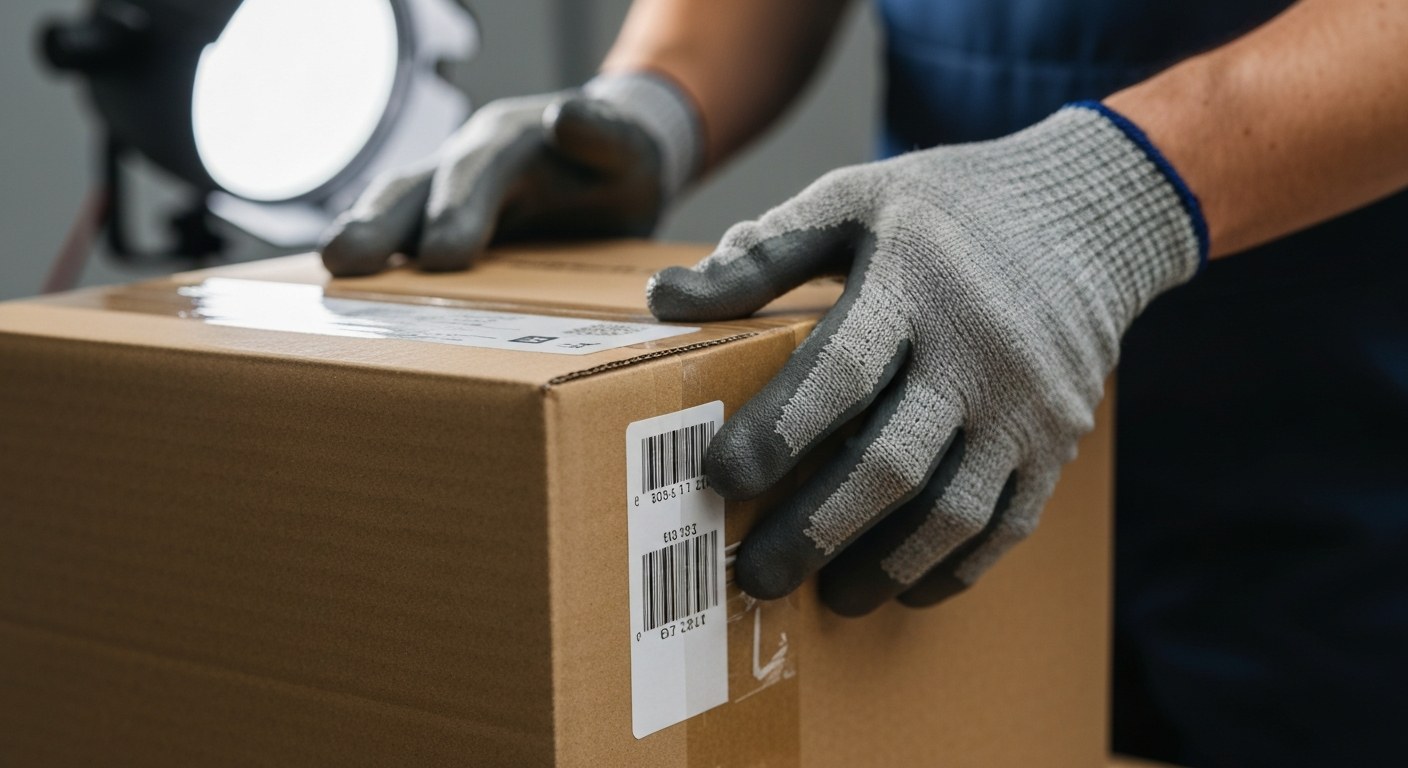
When automated sorters cannot read a barcode or detect a potential compromise in the integrity of the packagesource, the system automatically redirects the item to a specialized area for human inspection. As illustrated below, the logistics chain transitions from high-speed automation to manual oversight:
Understanding this distinction helps manage expectations. You realize that a status indicating “UPS held in warehouse” is often a proactive measure to ensure package safety or correct a logistical error, Amazon Flex Debit Card: Worth Your Time? [Hidden Fees] or Functions of Warehousing: Are You Missing These? [2026].
Logistical Causes: Why Packages Get Stuck at Distribution Centers
When you track your shipment and see it remains stationary, you are often witnessing a classic supply chain bottleneck. A major distribution center acts as the central nervous system for logistical flow. However, when throughput volumes surge, the margin for error narrows drastically, causing packages to lose momentum. Understanding why these delays occur requires looking deeper into the structural changes and procedural gaps within these hubs. These bottlenecks, while frustrating, are frequently the result of deliberate adjustments designed to maintain long-term network integrity. Proactive awareness of these potential friction points is essential for setting realistic expectations. Functions of Warehousing: Are You Missing These? [2026]
Operational Impact of Facility Consolidations
Navigating these logistical causes often reveals how infrastructure shifts, such as facility consolidations, directly impact network efficiency. For instance, recent industry reports detail how UPS’s plan to close 27 additional parcel facilities in 2026 represents a strategic effort to optimize network density. While these consolidations aim for long-term improvements in domestic revenue per unit, the transition period can temporarily disrupt regional throughput. As facilities are shuttered or merged, the redistribution of package volume to remaining hubs can overwhelm local capacity, creating localized congestion that slows down the entire system.
As illustrated below:
Quality Control: Picking and Labeling Errors
Beyond network-level adjustments, internal operational failures frequently trigger unexpected stops. When your package is scanned, automated systems rely on precise label data. Discrepancies in inventory management often stem from errors during the picking and packing stage, such as misapplied shipping labels or improper bin selection. If a label is damaged or unreadable, the parcel is pulled from the primary sorting line for manual review. This intervention is necessary for accuracy but inevitably causes re-routing delays while the system corrects the input. Adam and Eve Packaging: Can Neighbors Tell? [No] By addressing these common pitfalls at the source, logistics providers continue to refine their accuracy metrics and reduce the frequency of items being set aside for inspection.
Proactive Management: Using UPS My Choice to Redirect Shipments
Navigating the complexities of modern logistics requires more than just passive monitoring; it demands an active strategy to control your shipments before problems escalate. By leveraging UPS My Choice, you can regain control over your parcels and mitigate risks. This proactive approach effectively helps you avoid scenarios where your shipment becomes UPS held in warehouse due to preventable logistical oversights.
- Activate Real-Time Alerts: Register for UPS My Choice to receive immediate notifications regarding your delivery status. These alerts provide clarity on package movement, ensuring you are never caught off guard by unexpected delays.
- Customize Delivery Preferences: Pre-emptively adjust your preferences to bypass common hold triggers, such as mandatory signature requirements. If you know you will not be available, authorize driver release in advance or provide specific delivery instructions. This is a critical aspect of Warehouse Supervisor Tips: Fast 5-Min Guide [2026]“>efficient inbound management.
- Utilize Strategic Redirection: When your tracking number indicates a potential delay, request to redirect your package to a secure UPS Access Point. This proactive approach offers a reliable alternative to home delivery, ensuring you collect items at your convenience rather than waiting for another delivery attempt.
- Manage Expectations Through Transparency: Use the enhanced package tracking interface to analyze updated timeframes. By understanding the granular details of your shipment’s progress, you can better manage expectations and plan your operations, maintaining a clear line of sight on when your assets will arrive.
How to Resolve a Package Stuck at a UPS Facility
When you encounter an unexpected hold, proactive management is your best defense against prolonged package delivery uncertainty. Resolving an issue at a parcel facility requires a systematic approach, ensuring you follow proper procedures to regain control over your shipment efficiently.
Follow these steps to address potential roadblocks in your transit timeline:
- Verify Address Details: Immediately audit the tracking information against your original order receipt. If the address is incomplete or erroneous, you may need to initiate a correction immediately. If you need more tips on handling shipping issues, see Proactive Management: Using UPS My Choice to Redirect Shipments.
- Determine Action Thresholds: Avoid premature calls to customer service if the status change is recent. However, if a carrier delay extends beyond 48 hours without movement, contact them to confirm if the package is held due to missing documentation or scanning errors.
- Request a Hub Pickup: In instances where standard routing fails, you may opt to retrieve the item in person. You can request to hold the package at a designated facility. According to the 2026 UPS® Service Guide, specific service levels and account memberships, such as UPS My Choice, may streamline these specialized requests, allowing you to manage your shipment preferences more effectively.
- Prepare Documentation: If you are authorized for a physical pickup, you must present valid government-issued identification and the tracking number. Ensuring these documents are ready before arriving at the hub will prevent further complications in releasing your shipment. For more insights into optimizing your logistics, explore Functions of Warehousing: Are You Missing These? [2026].
Warehouse Optimization and Its Impact on Delivery Reliability
Achieving peak performance in your logistics network requires a rigorous commitment to warehouse optimization. By implementing modern automation, you drastically reduce the potential for human error during packing and sorting. Automated systems ensure labels are accurately scanned and pallets are routed correctly, significantly improving delivery reliability. When your facility operates with high precision, you minimize the risk of packages being misrouted, effectively streamlining your Functions of Warehousing: Are You Missing These? [2026].
Proper space management is equally vital, especially when navigating the intense pressures of peak season volumes. Efficiently organized facilities handle rapid throughput without bottlenecks. As highlighted in Warehouse Optimization: 5 Steps to a Future-Ready Warehouse | UPS – United States, strategic layout improvements allow for higher inventory capacity and faster processing. By refining internal workflows, you reduce the likelihood of shipments receiving a status indicating they are stuck. Organizational congestion often causes this, so improving your workflows is crucial for managing your Functions of Warehousing: Are You Missing These? [2026].
Finally, account for nuances when handling international goods. Items requiring extra documentation for customs clearance face different hold triggers. Optimizing these processes maintains predictable transit time, ensuring goods move smoothly rather than lingering at a distribution center. By proactively addressing these constraints, you keep operations robust and avoid unnecessary instances of a package being considered a UPS held in warehouse.
Community Insights
FAQ
Why is my UPS package status ‘held in warehouse’?
When your status reads ‘held in warehouse,’ it typically means there is an administrative or logistical issue requiring attention before the shipment can proceed. This might be due to an incomplete delivery address, a customs hold for international packages, or an issue with the shipping label itself. Monitor your tracking information for specific updates, as even common warehouse mistakes can occasionally cause these delays during high-volume periods.
How long does UPS keep a package at the warehouse before returning it to the sender?
Generally, UPS will hold a package at a facility for up to five business days before initiating a return to the sendersource. However, this timeframe can vary based on the service level chosen and the nature of the delay, such as customs requirements. Consult the 2026 UPS® Service Guide for specific policy details regarding your shipment type to ensure you act before the package is sent back.
Can I go to the UPS warehouse to pick up my package myself?
In most cases, you cannot simply show up at a distribution warehouse to retrieve your package due to strict security protocols and the sheer volume of parcels being processed. Instead, use the UPS My Choice service to see if your package is eligible for redirection to a nearby UPS Access Point or customer center. This allows you to safely pick up your shipment at a convenient retail location.
What does it mean when a UPS package is stuck at a distribution center?
A package stuck at a distribution center is often waiting for sorting or has missed a scheduled truck departure, which can happen during peak shipping seasons. While it might seem like a permanent halt, it is often just a temporary backlog as facilities balance their workload. This is similar to the logistical challenges detailed in reports about parcel facility closures. Keep an eye on your tracking, as status updates are usually pushed once the package is scanned into the next outbound vehicle.
How do I request that my UPS package be held at a location?
You can request to hold your package at a location by logging into your UPS My Choice account, which provides the most control over your delivery experience. From there, select the ‘Hold for Pickup’ option, which allows you to reroute your shipment to a secure UPS location instead of your home address. This proactive step helps avoid missed deliveries and ensures your package is held securely until you are ready to pick it up.
Is it safe to pick up a package directly from a UPS hub?
If UPS authorizes a pickup at a specific customer center, it is entirely safe, as these facilities are equipped to manage customer interaction securely. However, it is important to remember that these hubs are high-traffic industrial zones, so you must follow all posted safety signs and instructions from staff. Always ensure you have a valid government-issued photo ID and your tracking number when arriving to pick up your package.
Why is my package delayed in a warehouse and not out for delivery?
If your package is delayed in a warehouse, it is likely waiting for an additional scan, physical inspection, or re-labeling to ensure it reaches its final destination correctly. Warehouse operations must maintain strict distribution best practices to handle vast amounts of inventory, and sometimes a package simply missed the specific loading window. While frustrating, this is typically a routine part of the complex logistical chain required to move your goods efficiently.
What is the difference between ‘held in warehouse’ and ‘in transit’?
‘In transit’ indicates that your package is actively moving through the UPS network on a plane, truck, or train toward its destination hub. ‘Held in warehouse’ means the package has stopped moving and is currently stationary due to a specific administrative or procedural hold. Understanding this distinction helps you know when to contact UPS support to intervene and resolve potential issues preventing your package from moving forward.
Streamlining Your Delivery Experience
Seeing your package stuck with a “UPS held in warehouse” status is rarely cause for immediate alarm; it is almost always a routine step within complex automated logistics. Packages frequently experience brief pauses at sorting hubs to optimize delivery routes, accommodate high volumes, or navigate changing weather conditions. Instead of worrying, proactively monitor your tracking number and maintain clear communication with the sender if delays extend beyond expected timeframes. You should also leverage tools like UPS My Choice to gain greater control over your delivery windows. By staying informed, you ensure your packages arrive safely and efficiently. Take charge of your next delivery by signing up for tracking alerts today.
Get our latest guides, news, and insights highlighted in your Google Search & AI Overviews.